 Buy UK Sim Cards








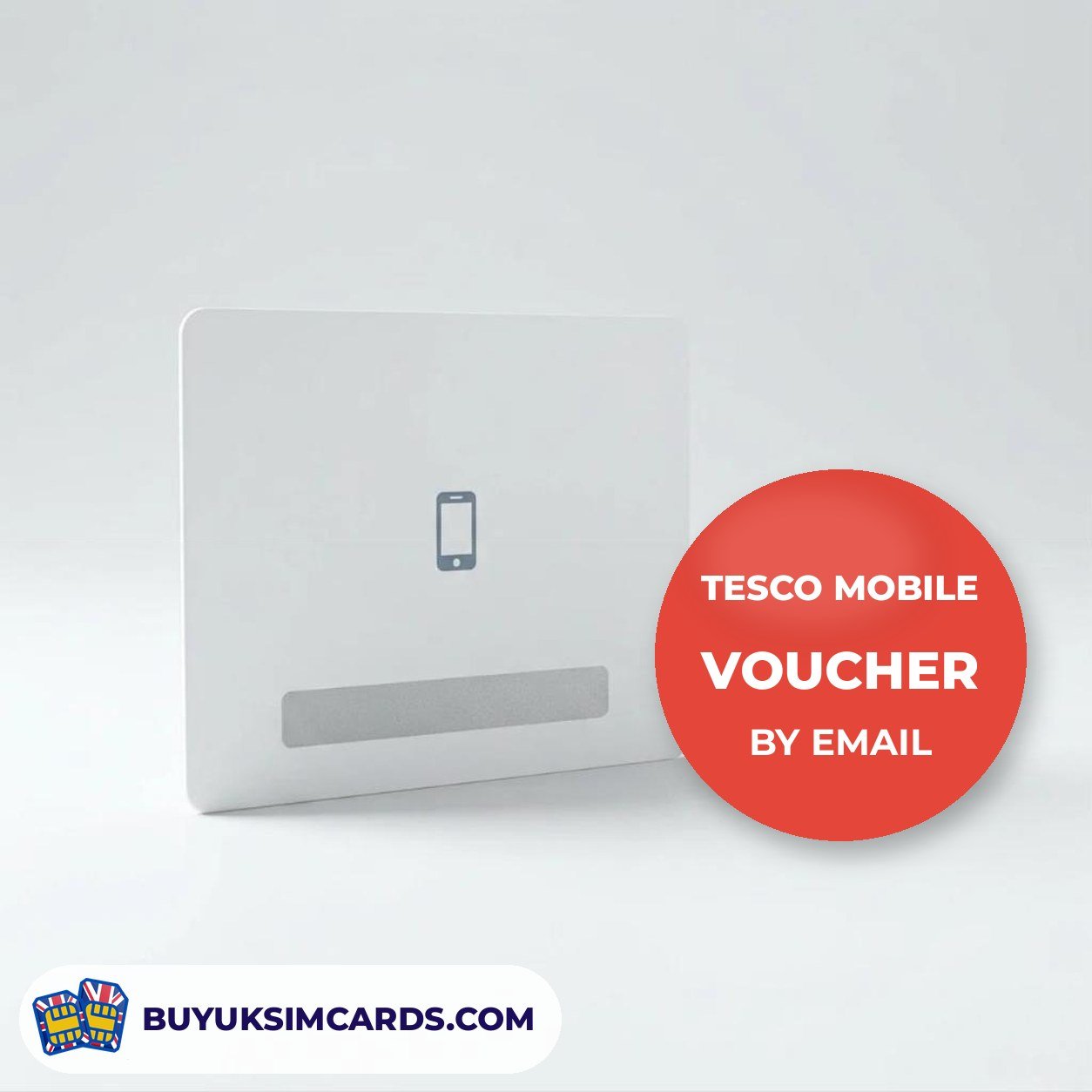
Tesco Mobile Top Up Voucher Code – £10, £15, £20
Price range: £10.99 through £20.99
Tesco Mobile top up voucher code, £10 to £20. Emailed to you, usually within a few minutes, with the steps to add it. Pay by card, PayPal or bank transfer.
- Satisfaction Guaranteed
- No Returns Accepted
- Secure Payments
How your credit is added
- 1Mobile data offSwitch off mobile data on your phone first.
- 2Insert the SIMWait a few seconds for the network signal.
- 3Message usSend us your order number on WhatsApp or Telegram.
- 4We add the creditWe top up the SIM remotely and you are ready to go.
Description
Top up Tesco Mobile pay as you go without a trip to the store. Buy a £10, £15 or £20 voucher here and we email you the 16-digit code, usually within a few minutes. Add it in the Tesco Mobile app or by calling 4488. A voucher also works for your very first top-up.
How to use your Tesco Mobile voucher

Tesco Mobile app
- Open the app and log in.
- Tap top up, choose top up with a voucher and enter the 16 digits.
By phone
- Dial 4488 free from your Tesco Mobile phone.
- Enter the 16-digit code when asked.
Official instructions: Tesco Mobile: topping up
Tesco Mobile voucher prices
| Voucher | Price |
|---|---|
| £10 voucher | £10.99 |
| £15 voucher | £15.99 |
| £20 voucher | £20.99 |
Key facts
| Works on | Tesco Mobile pay as you go SIMs |
|---|---|
| Not for | O2 or Tesco Mobile pay monthly |
| Amounts | £10, £15, £20 |
| Code | 16 digits |
| Delivery | By email, usually within a few minutes. No postage. |
| Pay by | Card, PayPal or bank transfer |
Before you order
- First top-up? Tesco Mobile says card payments by phone only work after your first top-up, but a voucher works straight away.
- The number is 4488. Some old guides say 4444, which is O2’s line.
- Check your inbox. The code goes to the email address on your order. If you can’t see it, look in your spam or junk folder.
- No refunds once sent. A voucher code can’t be returned after we email it, so check the network and amount before you pay.
Tesco Mobile voucher not working?
- Call 4488, not 4444.
- Enter all 16 digits when asked.
- Try the Tesco Mobile app if the phone line fails.
Still no luck? Message us on live chat with your order number and we’ll sort it out.
Tesco Mobile voucher questions
How do I use a Tesco Mobile top up voucher?
Call 4488 from your Tesco Mobile phone and enter the 16-digit code, or use “top up with a voucher” in the app.
How fast will I get my Tesco Mobile code?
We email it to the address on your order, usually within a few minutes of payment.
Can I buy a Tesco Mobile voucher for someone else?
Yes. Forward them the email and they add the code from their own phone.
Can I pay with PayPal?
Yes. You can pay by card, PayPal or bank transfer at checkout.
Related
Additional information
| Amount | £10, £15, £20 |
|---|
You must be logged in to post a review.
Related products
-
-
giffgaff Top Up Voucher Code – £10, £15, £20
Price range: £10.99 through £20.99Select options This product has multiple variants. The options may be chosen on the product page -
O2 Top Up Voucher Code – £10 to £50
Price range: £10.99 through £51.99Select options This product has multiple variants. The options may be chosen on the product page -

Vodafone Big Value Bundle Voucher Code – £10 to £40
Price range: £10.99 through £41.99Select options This product has multiple variants. The options may be chosen on the product page
Reviews
There are no reviews yet.